The best press release kit examples share one trait: a journalist can find everything needed for a story in one place, without emailing you first. Adobe and Airbnb suit established companies that publish news often. LEGO suits brands whose products people want to see. The EPA’s Super Bowl campaign kit suits anyone planning an event or a launch.
Most small businesses go wrong in one of two ways. They send a heavy PDF that nobody opens, or they have nothing but a logo and a contact form. A reporter on deadline then moves to a source that is easier to use.
This article starts with what a press kit should contain, then walks through four real examples and what you can borrow from each. At Purple Word Box we write press releases and pitch stories to the media. A well-built kit is what makes a pitch easy to say yes to.
What to include in a press release kit
A press release kit should give a journalist everything needed to write about you accurately: who you are, what is new, who to call and what to show. Every example below follows that logic, whatever its design.
The core contents
Most kits need only seven items, and the first four matter most.
| Item | What it gives the journalist |
|---|---|
| Company fact sheet and boilerplate | A short, quotable description of the business |
| Media contact details | One named person to call or email |
| Recent press releases | Proof that you have current news |
| Spokesperson bios and headshots | Who can be interviewed, and a photo to run |
| Logos and brand images | Usable visuals, so nobody screenshots your website |
| Product or service information | Facts and specifications without sales language |
| Past coverage | Evidence that other outlets already trust you |
A press kit works when a journalist can finish the story without emailing you for a missing fact.
Press kit or advertiser media kit
Search results mix two documents under one name. A press kit supports editorial coverage. An advertiser media kit carries audience figures and a rate card to sell ad space, and publishers produce that second kind.
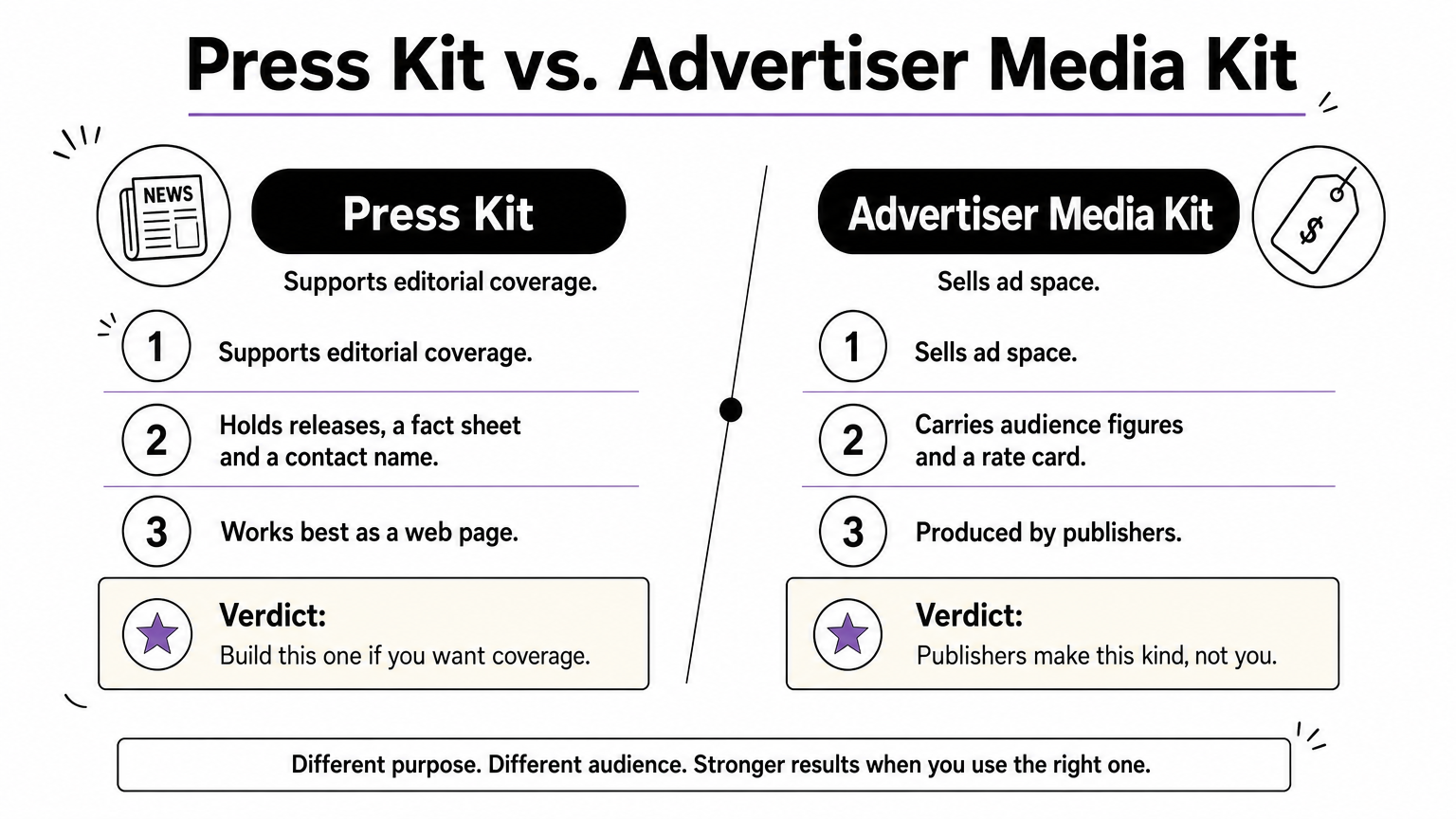
If you want coverage, build the first kind. Make it a web page rather than a heavy attachment. Newsroom inboxes fill fast, so link to a hosted folder for high-resolution images instead of attaching them.
A fact sheet template you can copy
The fact sheet is the page journalists use most. Copy this skeleton and fill it in.
Company name:
Founded: [year] | Headquarters: [city]
What we do (one sentence):
Key facts: [3 to 5 numbers or milestones]
Leadership: [name, title, one-line bio]
Boilerplate (about 50 words):
Press contact: [name, email, phone]
Assets link: [URL to logos, headshots, product images]
Keep it to one page and check the numbers every quarter. A wrong figure in a kit gets repeated in print.
1. Adobe: an online newsroom
Adobe presents its press material as an online newsroom instead of one downloadable file. It is the standard model for a large company that announces something every week.
What it includes
Journalists reach announcements, company information and a route to the press team from one address. Because newsrooms change, open the live page to see its current layout. The pattern is what matters:
- Announcements sorted by date, newest first
- A visible way to contact the press team
- Background material on the company
What to borrow
Copy the single, stable URL. Journalists bookmark it, and it never goes out of date the way an emailed attachment does. It suits companies with regular news.
If you are smaller, you do not need a full newsroom. One /press page on your website with releases, a fact sheet and a contact name does the same job.
One permanent press page beats a new attachment for every pitch.
2. Airbnb: assets built for journalists
Airbnb runs a newsroom that combines press releases with media assets such as logos and imagery. It shows how to treat visuals as part of the story, not as an afterthought.
What it includes
The kit pairs written news with material a journalist can publish. A reporter can write the piece and find the pictures without leaving the site.
- Press releases and company announcements
- Logos and brand imagery for editorial use
- Contact details for media enquiries
What to borrow
Group your images by purpose: logos, leadership photos, product or service shots. Add a short caption to each, so the journalist knows what is pictured and who to credit.
State how the images may be used. This suits consumer brands, hospitality, travel and any business whose story is visual. A clear usage line saves you permission emails.
Give journalists publishable images with captions, and they will use yours instead of hunting for others.
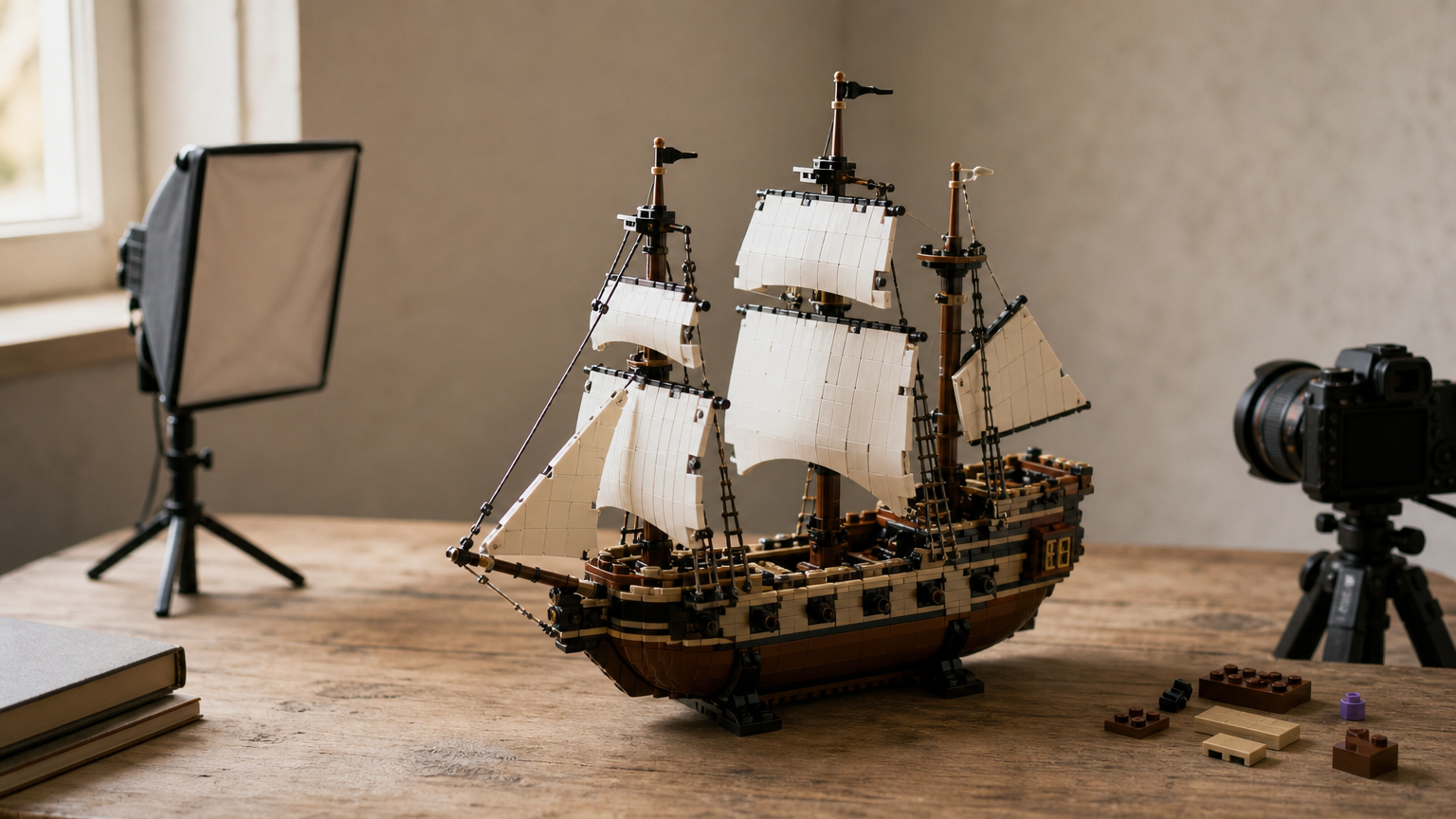
3. LEGO: imagery for a product people want to see
LEGO’s press material pairs company news with imagery. That makes sense for a product people want to see, and it is a model for any physical or visual brand.
What it includes
The kit gives a journalist news to report and pictures to run beside it. The emphasis falls on what the product looks like, not on long explanations.
- Company and product news
- Photography that tells the product story
- A route to the communications team
What to borrow
If you sell a physical product, lead with photography. Supply clean product shots, in-use shots and one image of the people behind the brand. Name the file clearly, for example "company-product-front.jpg", not "IMG_4021".
Product brands such as food, retail, packaging and design studios benefit most. Services businesses can borrow the same idea with photos of the team at work.
For a visual product, the photographs are the press kit.
4. EPA Super Bowl 50: a kit built around one event
A US Environmental Protection Agency guide shows a kit tied to a single campaign. It pairs a media alert about Super Bowl efforts to feed the hungry with a media kit titled "No Wasted Food at Super Bowl 50". It is the model for an event or launch kit.
What it includes
The kit has one story and every item supports it. A short release or media alert opens it, and supporting material sits behind it.
- A release or media alert announcing the event
- A supporting kit focused on the one campaign
- Contacts for interviews and event access
What to borrow
Build a separate kit for each launch or event, instead of stuffing everything into one general file. Include the date, venue, who is available for interview and what visuals will be possible on the day.
This suits conferences, exhibitions and product launches. Purple Word Box supports PR-focused events with media coordination and branded event materials, so the kit and the day itself tell the same story.
One event, one story, one kit: a narrow kit gets read.
Putting your own kit together
The pattern across these press release kit examples is simple. Make the kit easy to find, easy to scan and complete enough that a journalist never has to ask for a fact. Start with a fact sheet, a named contact, a few current releases and a folder of captioned images. Then add event or campaign kits as you need them.
If you would rather not build it alone, the work is what Purple Word Box does: writing releases, shaping stories and pitching them to the right media. You can talk to Purple Word Box about your press kit and media relations and get senior-level advice from a practitioner with more than 20 years of PR experience.